Budget management

Every hour
accounted for.

Link budgets to projects, track every iteration month by month, and see at a glance whether you are on track. Real numbers, in context, without the spreadsheets.
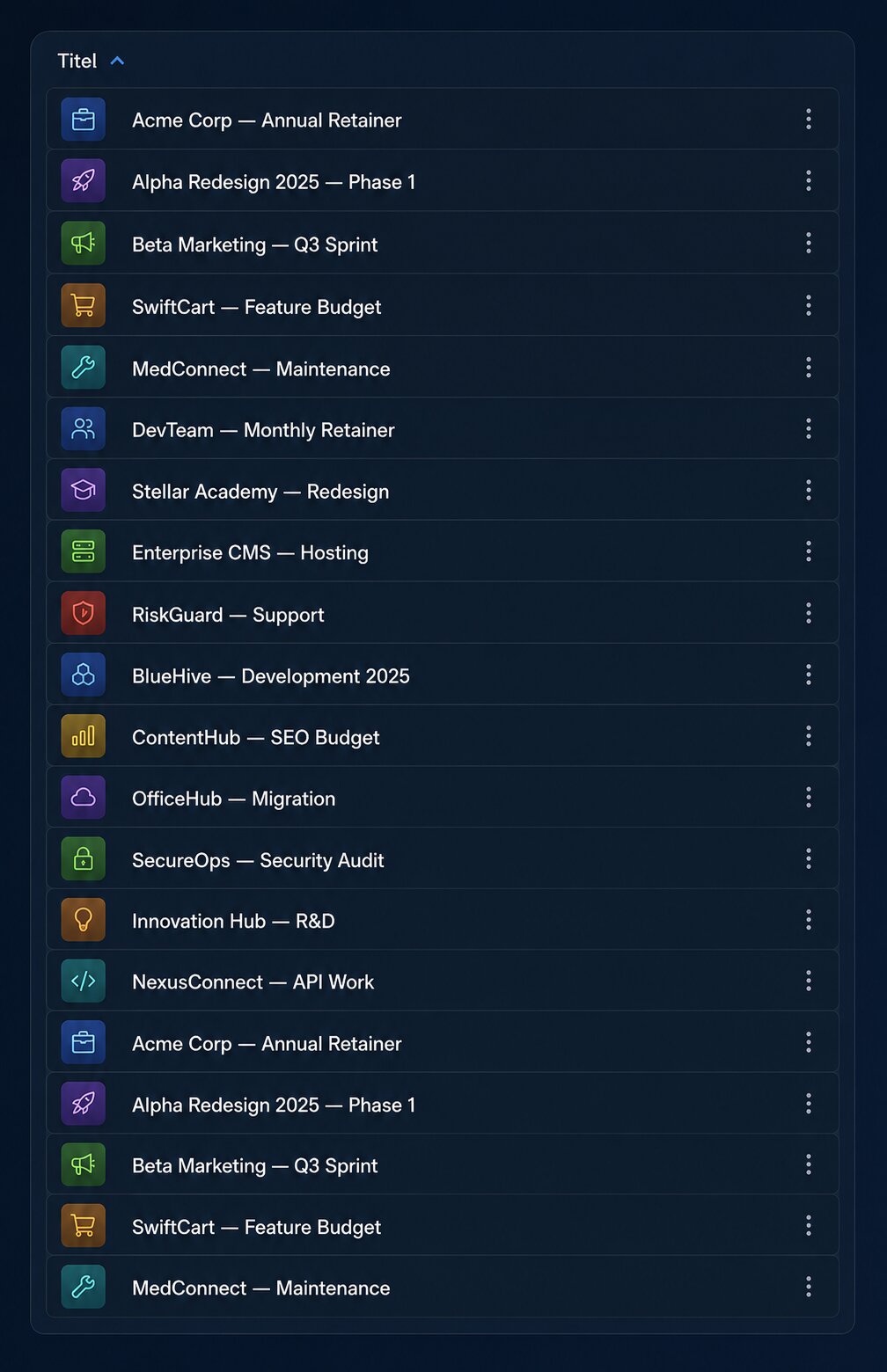
Budgets overview

Month by month, with nothing left out

Each budget is divided into iterations — monthly or custom periods — each with its own hour target and spend limit. Close iterations at the end of a period and start the next one with a clean slate.

  • Flexible iteration periods (monthly or custom)
  • Per-iteration hour targets and spend caps
  • Close and open iterations independently
  • Visual progress bar per iteration
  • Carry-over visibility across periods
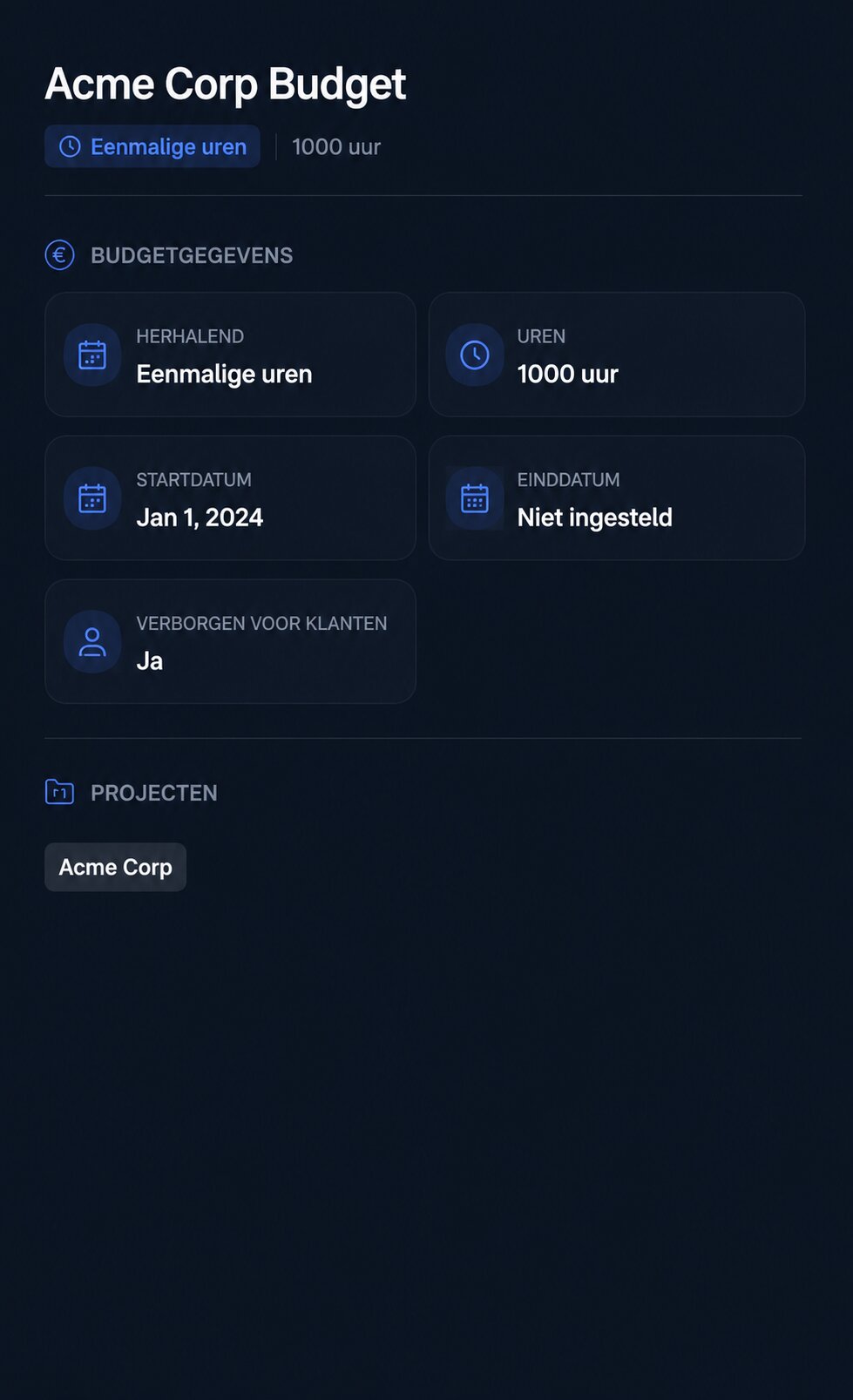
Budget detail

A complete history of every change

Every budget change is logged with who made it, what changed, and when. Go back in time to understand how a budget evolved — or to answer a client question with confidence.

  • Full change history with user attribution
  • Before-and-after values for every edit
  • Iteration open and close events logged
  • Timestamps and actor names on every entry
Budget history

Budget management that makes sense

Hour and cost tracking
Log hours per ticket and watch them accumulate against your budget ceiling in real time.
Iteration periods
Divide budgets into monthly (or custom) iterations. Open and close them independently as work progresses.
Budget history
A full audit trail of every change — who made it, what changed, and when — so nothing is ever lost.
Linked to projects
Attach one or more budgets to a project. Jump from a ticket to the relevant budget in a single click.
Visual spend progress
Colour-coded progress bars and percentage indicators make it instantly clear when a budget is at risk.
Multiple budget types
Configure different budget types to reflect retainers, fixed-price projects, or time-and-materials engagements.

Stop guessing. Start knowing.

Budget clarity for every project, every month.

Sign in to your workspace